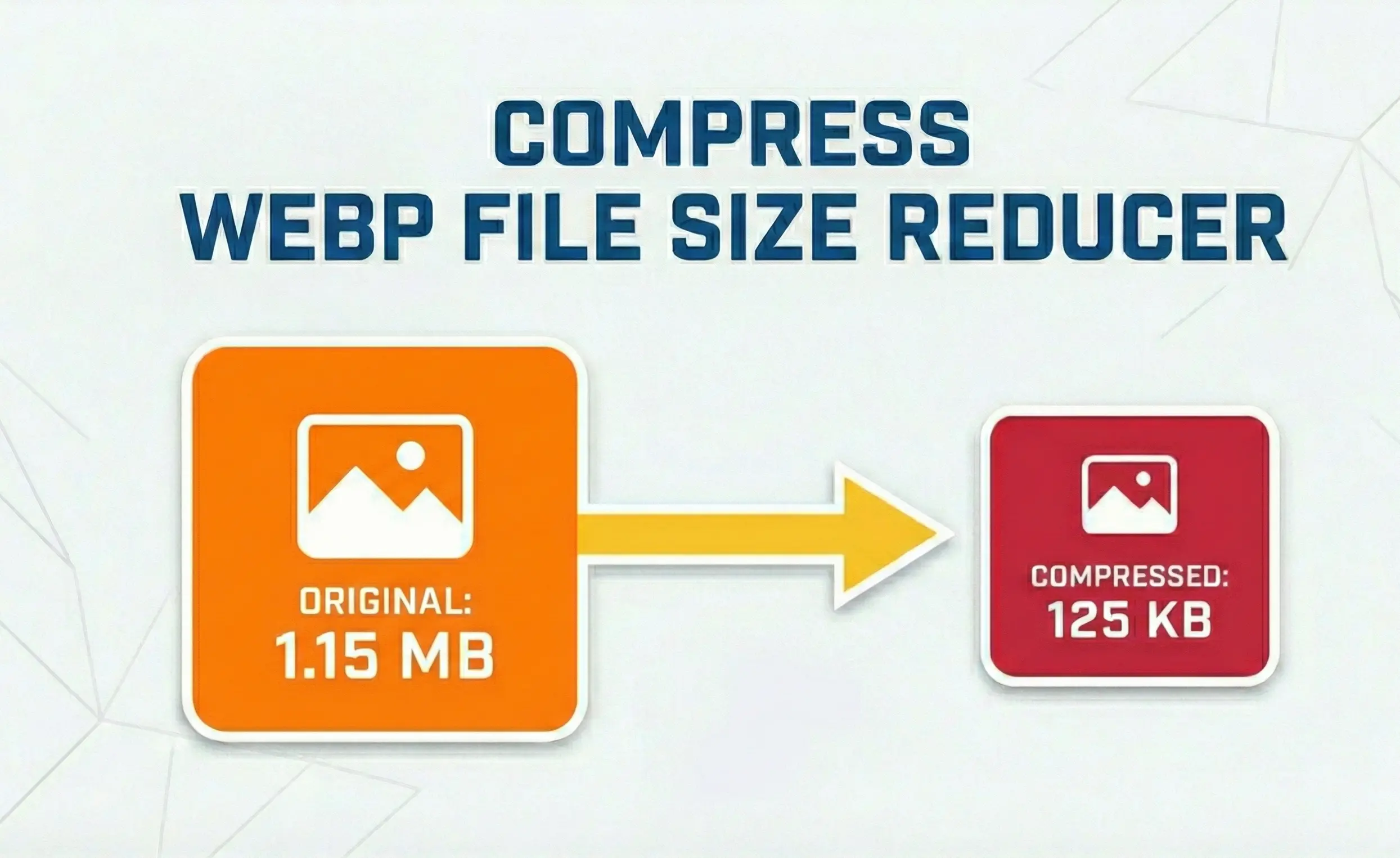






WebP is Google's modern image format that delivers superior compression compared to JPEG and PNG. But even this efficient format can be optimized further. This comprehensive guide explores advanced techniques to reduce WebP file sizes while maintaining visual quality, perfect for web developers, designers, and performance enthusiasts.
1. What is WebP?
WebP is a modern image format developed by Google that provides superior lossless and lossy compression for images on the web. Using WebP, webmasters and web developers can create smaller, richer images that make the web faster.
🎯 Key Benefits of WebP
- Lossless WebP images are 26% smaller than PNGs
- Lossy WebP images are 25-35% smaller than JPEGs
- Supports transparency (alpha channel) like PNG
- Supports animation like GIF, but with better compression
- Rich metadata support (ICC profiles, EXIF, XMP)
The WebP format achieves this efficiency through advanced compression techniques:
- Predictive coding: Uses values from neighboring pixel blocks to predict values in a block, then encodes only the difference
- Arithmetic coding: More efficient than Huffman coding used in JPEG
- Variable block size: Up to 14x14 macroblocks for better adaptation to image features
- Alpha compression: Separate compression for transparency channel
2. Lossless vs Lossy WebP Compression
Lossless WebP
- • Perfect pixel-for-pixel quality
- • 26% smaller than PNG
- • Full transparency support
- • Ideal for logos, screenshots, graphics
- • No quality degradation
Lossy WebP
- • Adjustable quality (10-100%)
- • 25-35% smaller than JPEG
- • Optional transparency
- • Perfect for photos, complex images
- • Maximum file size reduction
Our WebP file size reducer tool supports both methods, giving you complete control over the quality/size trade-off. The lossless mode is perfect when you need pixel-perfect accuracy, while lossy mode can dramatically reduce file sizes for web use.
Compression Example
A 1MB PNG screenshot → Lossless WebP: 740KB (26% smaller)
A 500KB JPEG photo → Lossy WebP (80% quality): 325KB (35% smaller)
3. Alpha Channel Optimization
One of WebP's strongest features is its efficient handling of transparency. Unlike PNG which stores transparency as a separate channel with the same compression as color data, WebP uses specialized techniques:
- Separate compression: Alpha channel is compressed independently from RGB data
- Lossy alpha: For lossy WebP, alpha can also be lossy for smaller files
- Filtering: Special filters designed for transparency data
- Color decontamination: Removing hidden color behind fully transparent pixels
Our tool includes an option to "Preserve transparency" - when enabled, it maintains full alpha channel quality. For maximum compression, you can disable this for images without transparency.
Alpha stored as uncompressed or deflate-compressed channel
Alpha stored with predictive filtering and arithmetic coding
4. Animated WebP Optimization
Animated WebP is a powerful alternative to GIF, offering:
- 24-bit color (vs GIF's 8-bit)
- Partial transparency support
- Lossy and lossless compression
- Typically 64% smaller than GIF
Our WebP file size reducer includes specialized animation optimization:
- Frame deduplication: Removing duplicate frames
- Optimized disposal methods: Choosing the best background disposal method
- Frame compression: Applying appropriate compression per frame
- Loop optimization: Efficient loop encoding
Animation Tip: For animated WebP, lossy compression often works well since motion hides minor artifacts. Enable "Optimize animated WebP" for best results.
5. Metadata & EXIF Optimization
WebP files can contain various metadata:
- EXIF data (camera settings, GPS, date)
- ICC color profiles
- XMP metadata
- Thumbnail images
This metadata can add significant overhead - often 10-20KB per image. Our tool's "Remove metadata" option strips unnecessary data while preserving critical image information. For web use, removing metadata is recommended as it provides:
- Smaller file sizes
- Faster loading
- Privacy protection (removes GPS data)
Metadata Size Impact:
6. Smart Resizing Strategies
Resizing is the most effective way to reduce file size - cutting dimensions by 50% reduces pixel count by 75%. Our tool implements:
Recommended dimensions for web:
- Full-width content: 1920px max
- Blog images: 1200px width
- Thumbnails: 300px width
- Mobile-only: 800px width
7. Quality Optimization Guide
Finding the right quality setting is crucial. Here's our recommended guide:
Archival, print-quality
High-quality web, photography
Standard web, social media
Thumbnails, previews
Placeholders, low-bandwidth
| Quality | Use Case | Size Reduction |
|---|---|---|
| 90-100% | Archival, print-quality | 0-10% |
| 80-90% | High-quality web, photography | 20-40% |
| 70-80% | Standard web, social media | 40-60% |
| 50-70% | Thumbnails, previews | 60-75% |
| <50% | Placeholders, low-bandwidth | 75-90% |
Pro tip: For most web images, 80% quality offers the best balance of size and quality. Our tool defaults to this value.
8. SEO Benefits of WebP Optimization
Using optimized WebP images provides significant SEO advantages:
Core Web Vitals
Smaller WebP files improve LCP (Largest Contentful Paint) scores, a key ranking factor.
Mobile Performance
30% smaller files mean faster loading on cellular networks, improving mobile rankings.
Page Speed
Google's PageSpeed Insights recommends WebP for better performance scores.
Image Search
WebP images are indexed by Google Image Search, expanding your reach.
Studies show that switching to WebP can improve page load times by 25-30%, directly impacting user experience and search rankings.
9. Privacy & Security
Our WebP file size reducer is built with privacy first:
Zero Upload
Your WebP files never leave your device. Processing happens locally.
No Storage
We don't store your images. After compression, files exist only in memory.
Offline Capable
Works without internet after initial load for sensitive documents.
No Tracking
We don't use analytics or tracking cookies. Your privacy is respected.
This approach ensures your images remain completely private, whether they're personal photos, business graphics, or confidential designs.
WebP Optimization Best Practices
- Use lossless WebP for logos, screenshots, and graphics
- Use lossy WebP (80-85% quality) for photographs
- Always resize images to display dimensions
- Strip metadata for web use to save space
- Preserve alpha channel only when needed
- Use animated WebP instead of GIF for animations