



The Ultimate Guide to JPEG File Size Reduction
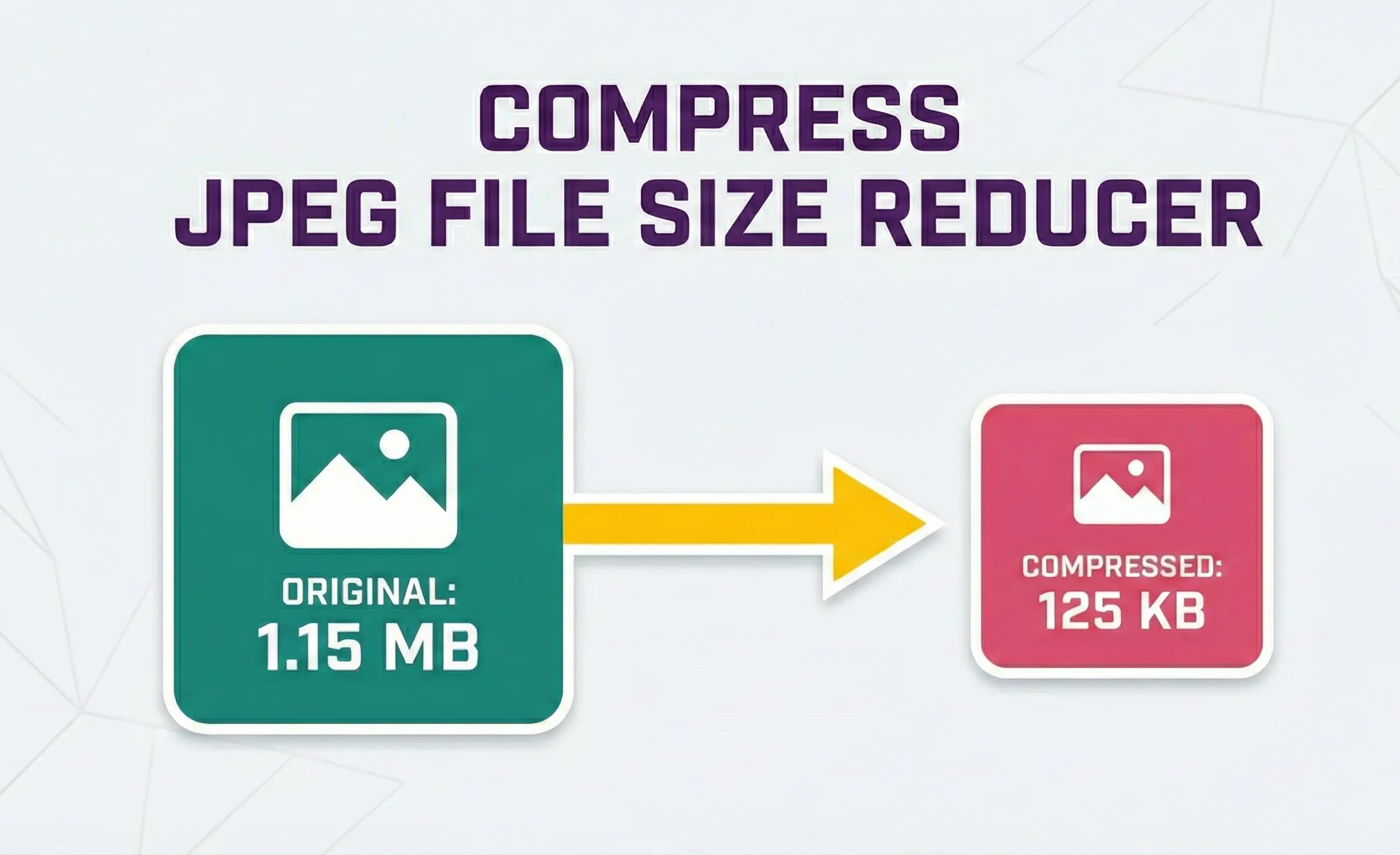
In today's digital world where images dominate web content, social media, and digital communications, efficient JPEG file size reduction has become an essential skill. This comprehensive guide explores why reducing JPEG file size matters, how it works, and the best practices for maintaining quality while significantly shrinking file sizes.
Understanding JPEG Compression
JPEG (Joint Photographic Experts Group) is the most widely used image format for photographs and complex images on the web. The format uses lossy compression, meaning it selectively discards data that the human eye is less likely to notice. This allows for significant file size reduction while maintaining acceptable visual quality.
When you use a JPEG file size reducer, you're essentially telling the compression algorithm how much data it can discard. Higher compression (lower quality) results in smaller files but potentially more visible artifacts. The key to effective JPEG compression is finding the sweet spot where file size is minimized without noticeable quality degradation.
Why JPEG File Size Matters
Large JPEG files can negatively impact multiple aspects of digital experience:
- Website Performance: Images typically account for 50-60% of a webpage's total weight. Large JPEG files slow down page loading, increasing bounce rates and hurting user experience.
- Mobile Data Usage: Users on limited data plans appreciate smaller image files that consume less bandwidth.
- Storage Constraints: Whether on cloud services or local devices, smaller files mean more storage capacity.
- SEO Implications: Google considers page speed as a ranking factor. Faster-loading pages with optimized images rank higher in search results.
- Email Attachments: Many email servers have strict attachment size limits, making compressed JPEGs essential for sharing images.
How Our JPEG File Size Reducer Works
Our web-based tool uses sophisticated client-side compression techniques to reduce your JPEG file sizes efficiently. Here's what happens when you use our JPEG file size reducer:
- Local Processing: All compression happens in your browser using HTML5 Canvas API. Your images never leave your device, ensuring complete privacy.
- Quality Adjustment: The tool adjusts the JPEG quality parameter based on your selected value (from 10% to 100%).
- Smart Resizing: Optional resizing reduces dimensions while maintaining aspect ratio for additional size savings.
- Progressive Encoding: Images are encoded as progressive JPEGs, which load faster in web browsers by showing a low-quality version first.
- Metadata Stripping: EXIF data (camera settings, GPS location, etc.) is removed to further reduce file size.
Optimal JPEG Compression Settings
Finding the right balance between quality and file size depends on your specific use case:
| Use Case | Recommended Quality | Expected Size Reduction |
|---|---|---|
| Web photos (high quality) | 80-85% | 60-70% of original |
| Social media sharing | 75-80% | 50-60% of original |
| Email attachments | 65-75% | 40-50% of original |
| Thumbnails | 60-70% | 30-40% of original |
| Archive/Storage | 85-95% | 70-80% of original |
Advanced JPEG Compression Techniques
Beyond basic quality adjustment, several advanced techniques can further optimize JPEG file sizes:
Chroma Subsampling: JPEG compression can reduce color information more aggressively than brightness information since human vision is more sensitive to brightness changes. Our tool implements 4:2:0 chroma subsampling for optimal compression efficiency.
Quantization Tables: Different quantization tables can be applied based on image content. Photographs with smooth gradients benefit from different compression than images with sharp edges and text.
Progressive vs. Baseline: Progressive JPEGs encode the image in multiple passes, allowing a low-quality version to appear quickly while the full image loads. This doesn't reduce file size but improves perceived loading speed.
Common JPEG Compression Myths Debunked
Myth 1: Compression always ruins image quality. Truth: When done properly with a reliable JPEG file size reducer, compression can reduce file sizes by 50-80% with minimal visible quality loss.
Myth 2: Higher resolution always means better images. Truth: For most screens and uses, images beyond 2000px width provide diminishing returns while dramatically increasing file sizes.
Myth 3: Multiple compressions destroy images. Truth: While repeated compression at low quality settings does degrade images, a single compression at the right quality setting is optimal.
Mobile Optimization Considerations
With over 60% of web traffic coming from mobile devices, optimizing JPEGs for mobile is crucial. Our JPEG file size reducer is designed with mobile users in mind:
- Responsive Interface: The tool works seamlessly on all screen sizes from desktop to smartphone.
- Touch-Friendly Controls: All buttons and sliders are optimized for touch interaction.
- Mobile-Specific Recommendations: For images displayed primarily on mobile devices, we recommend dimensions no larger than 1200px on the longest side.
- Reduced Data Consumption: By compressing images before uploading to social media or messaging apps, mobile users save valuable data.
SEO Benefits of JPEG Optimization
Search engines, particularly Google, prioritize user experience metrics including page loading speed. Optimized JPEG images contribute significantly to:
- Improved Core Web Vitals: Google's Core Web Vitals include Largest Contentful Paint (LCP), which measures loading performance. Smaller images load faster, improving LCP scores.
- Reduced Bounce Rates: Faster-loading pages keep users engaged longer, reducing bounce rates and signaling quality content to search engines.
- Mobile-First Indexing: With Google's mobile-first indexing, mobile page speed (heavily influenced by image sizes) directly impacts rankings.
- Image Search Optimization: Properly compressed and appropriately sized images have a better chance of appearing in Google Image Search results.
Batch Processing for Efficiency
Our tool supports batch processing of up to 10 JPEG files simultaneously, each up to 30MB. This batch capability is essential for:
- Website Migrations: When moving a website to a new host or redesigning, you often need to optimize hundreds of images.
- E-commerce Sites: Product galleries with multiple images benefit greatly from batch optimization.
- Photography Portfolios: Photographers can compress entire shoots in a single session.
- Social Media Managers: Professionals managing multiple accounts can prepare images for various platforms efficiently.
Privacy and Security Features
Unlike many online compression tools that upload your images to their servers, our JPEG file size reducer processes everything locally in your browser. This approach offers several advantages:
- No Upload Delays: Processing begins immediately without waiting for file uploads.
- Complete Privacy: Sensitive or personal images never leave your device.
- No Storage Concerns: We don't store your images on any server, eliminating data breach risks.
- Works Offline: After initial page load, the tool works without an internet connection.
Future of JPEG Compression
The JPEG format continues to evolve with new standards like JPEG XL offering even better compression rates. However, traditional JPEG remains ubiquitous and will likely continue as the dominant web image format for years to come. Tools like our JPEG file size reducer make this format more efficient and sustainable for modern web use.
As internet speeds increase globally, there's a common misconception that image optimization is becoming less important. In reality, the opposite is true. With higher resolution displays (4K, 8K) and more image-rich content, efficient compression remains critical for delivering the best user experience while minimizing bandwidth and storage requirements.
Pro Tip
Always keep originals of important images before compression. While our JPEG file size reducer provides excellent results, compression is a lossy process. Maintain a separate archive of uncompressed originals for future editing needs.
In conclusion, effective JPEG file size reduction is an essential skill in today's digital landscape. Whether you're a web developer optimizing site performance, a photographer preparing images for online portfolios, or a casual user looking to save storage space, understanding and utilizing proper compression techniques will serve you well. Our tool provides an accessible, secure, and efficient way to achieve optimal JPEG compression for any use case.