


The Ultimate Guide to Using a PDF to WebP Converter: Everything You Need to Know
In the modern digital landscape, the speed at which your content loads is just as important as the content itself. Documents and graphics serve as the backbone of business, education, and creative endeavors. However, formatting issues and software compatibility barriers can often bring productivity to a grinding halt. When dealing with web development and sharing documents online, bulky file sizes are a primary concern.
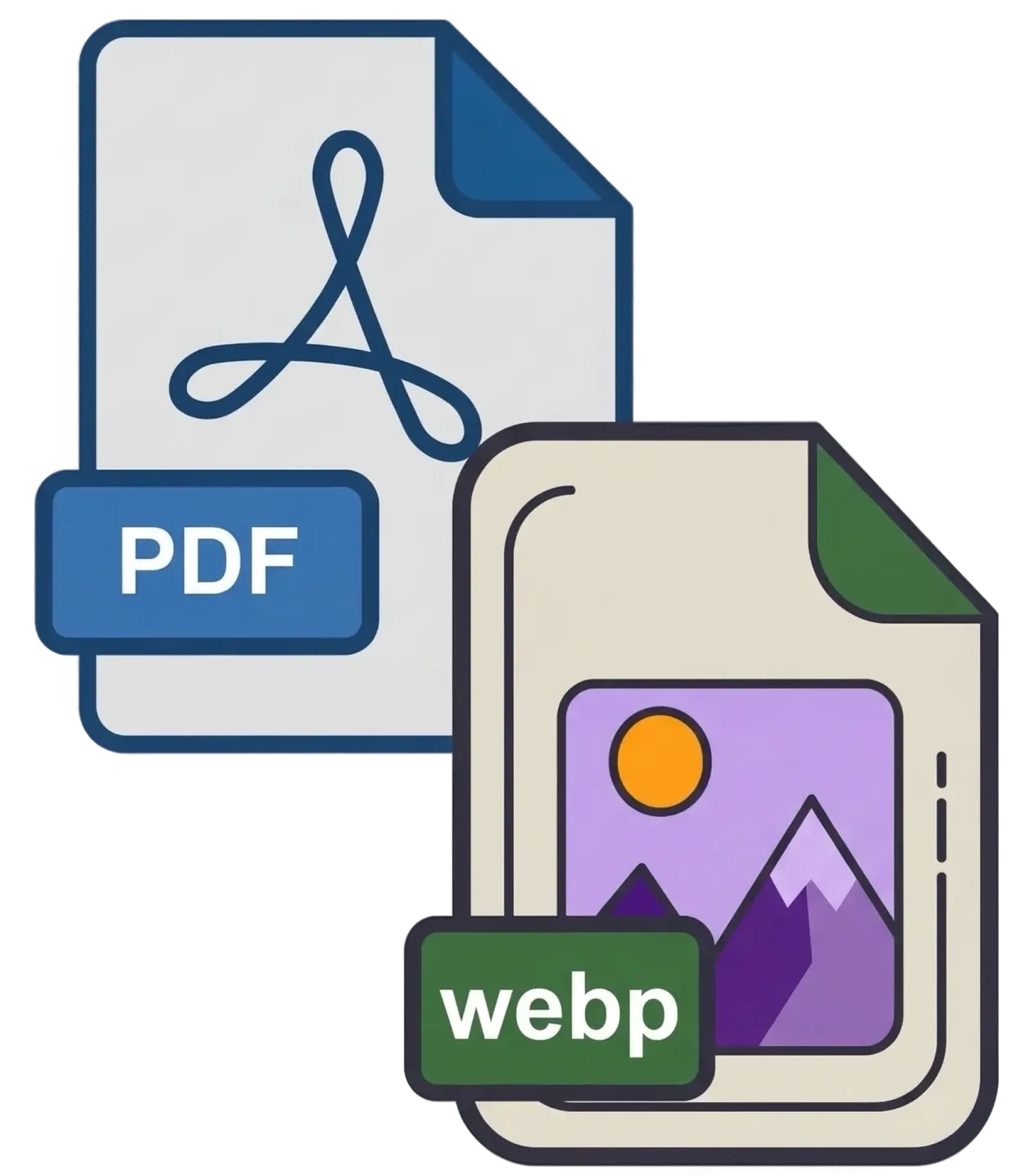
While PDFs are magnificent for preserving complex, multi-page document layouts with crisp vector text, they are inherently rigid. They are difficult to embed on web pages, often require secondary software to view, and can be frustrating to integrate into modern web workflows. This is precisely where a highly optimized PDF to WebP Converter becomes an absolute necessity. Transforming a static, inflexible document into a versatile, next-generation image format opens up a world of digital possibilities—specifically regarding web performance.
This comprehensive, in-depth guide will explore the history of these formats, define exactly what a PDF to WebP Converter is, outline the specific benefits of utilizing our client-side web tool, and provide expert tips on optimizing your document workflow for the modern web.
Understanding the Formats: PDF vs. WebP
Before diving into the conversion process, it is essential to understand why these two formats exist and what makes them fundamentally different. This understanding highlights why converting between them is rapidly becoming the industry standard for web optimization.
The Portable Document Format (PDF)
Created by Adobe Systems in 1992, the PDF was invented to act as a digital piece of paper. It locks in the text (vector graphics), embedded fonts, and layout coordinates so that the document looks identical whether it is viewed on a smartphone or a desktop computer. Because it operates as a secure container for vectors and text data, it is infinitely scalable without losing quality. However, rendering a PDF natively in a browser can be heavy and slow.
The WebP Image Format (WebP)
Developed by Google and released in 2010, WebP is explicitly designed as a modern, next-generation image format that provides superior lossless and lossy compression for images on the web. Using WebP, webmasters and developers can create smaller, richer images that make the web faster. WebP lossless images are 26% smaller in size compared to PNGs, and WebP lossy images are 25-34% smaller than comparable JPGs at equivalent quality. Today, WebP is universally supported by all modern web browsers (Chrome, Safari, Firefox, Edge, etc.).
What is a PDF to WebP Converter?
A PDF to WebP Converter is an advanced utility tool that bridges the gap between traditional document handling and modern web optimization. It performs a process known as "rasterization" and aggressive modern compression.
The software opens the complex PDF container, reads the mathematical instructions for where the text and shapes should be, and then digitally renders that information onto a flat, pixel-based canvas. Finally, it takes a snapshot of that canvas, applies Google's advanced WebP compression algorithm, and saves it as a highly optimized image file. If you feed a 10-page PDF into a PDF to WebP Converter, the tool will analyze each page individually and output ten separate, incredibly small WebP files that retain beautiful visual clarity.
Top Reasons to Use a PDF to WebP Converter
Why go through the trouble of changing your document's format to WebP instead of a traditional JPG or PNG? Here are the most prominent reasons you need a PDF to WebP Converter in your digital toolkit:
1. Ultimate Web Performance and SEO
Google has made it explicitly clear that page load speed is a critical ranking factor for Search Engine Optimization (SEO). If you are embedding a PDF menu, brochure, or infographic on your website, using heavy PNGs or JPGs will slow down your site's load time. By utilizing a PDF to WebP Converter, you can slash your image file sizes by over 30%, resulting in lightning-fast page loads and happier website visitors.
2. Smaller File Sizes Without Quality Loss
When you compress a JPG heavily to save space, you often introduce "artifacts"—blurry halos around text that make documents hard to read. WebP uses predictive coding to encode an image, meaning it handles sharp edges and text far better than standard JPGs. You get the small file size of a JPG, but with text clarity much closer to a PNG.
3. Effortless Sharing and Email Attachments
High-quality PDFs can easily exceed the attachment limits of email clients. Because WebP is so highly optimized, converting your PDF pages to WebP creates files that are tiny in comparison, making them incredibly fast to attach, send, and download over cellular networks.
4. Future-Proofing Your Digital Assets
The web is rapidly moving away from legacy formats. Major platforms, Content Management Systems (like WordPress), and web frameworks now highly encourage or default to WebP. Converting your documents to WebP ensures your assets are future-proofed and natively compatible with the next decade of web technology.
The Technical Magic: How Our Client-Side Converter Works
When you search for a "PDF to WebP Converter" online, you are met with millions of results. However, 99% of those traditional tools use an outdated, server-side model. They force you to upload your file to their remote servers, wait in a queue, process the file remotely, and then give you a download link.
Our tool represents the next generation of web utilities by utilizing cutting-edge Client-Side Processing. Here is exactly what happens when you use our tool:
- Local File Access: When you drag and drop your file into the designated zone, HTML5 technology reads the file directly into your browser's local memory (RAM).
- PDF.js Engine: We utilize PDF.js, an incredibly powerful, open-source library originally developed by Mozilla. This engine interprets the complex PDF code entirely within the confines of your browser.
- Canvas Rasterization: The engine creates a hidden HTML element for each page. It precisely calculates the layout and draws the text, vectors, and embedded images onto this blank canvas. We ensure a solid white background is applied to emulate physical paper.
- Instant WebP Generation: Once the page is rendered on the canvas, your browser's native rendering engine instantly converts those pixels into a highly optimized WebP data file at 90% quality, presenting it directly on your screen for immediate download.
Security First: The Ultimate Privacy Advantage
The most critical advantage of our Client-Side PDF to WebP Converter is Security and Privacy.
Think about the documents you might need to convert: tax returns, confidential corporate merger presentations, private medical records, or proprietary architectural blueprints. If you use a standard online converter, you are uploading those sensitive files to an unknown, third-party server. You have zero control over who sees that file, whether it is permanently deleted, or if the server suffers a massive data breach.
Because our tool runs 100% locally in your web browser, your files never leave your computer. They are never uploaded to the internet. They are never sent to a server. In fact, once the web page loads, you could disconnect your computer from the Wi-Fi, and the PDF to WebP Converter would still work flawlessly! This offline capability ensures complete peace of mind.
Understanding DPI and Optimizing Image Quality
Because we are turning infinitely scalable vector text into fixed pixels, the "resolution" at which we draw the image matters immensely. This is controlled by DPI (Dots Per Inch) or scaling factors.
To ensure you get the absolute best results for your specific use case, our PDF to WebP Converter offers dynamic quality controls:
- Standard Quality (150 DPI): This setting is perfect for digital sharing and web embeds. It creates a WebP that looks great on monitors while keeping the file size incredibly small (often under 100kb per page).
- High Quality (200 DPI): This is the golden mean and our default recommendation. At 200 DPI, the text becomes incredibly crisp, and charts/graphs retain fine details, while the WebP algorithm ensures the file size remains highly optimized.
- Maximum Quality (300 DPI): If you need flawless visual fidelity for zooming in on tiny text or complex CAD drawings, use this setting. The file size will increase, but the quality will rival high-end PNGs.
Conclusion
Navigating the digital workspace shouldn't involve settling for bloated file sizes or slow-loading websites. The ability to swiftly, securely, and freely convert your rigid documents into perfectly optimized WebP images is a massive productivity booster. With our professional-grade, browser-based PDF to WebP Converter, you hold a powerful tool that respects your privacy while delivering top-tier web performance.
Whether you need to extract an infographic for your blog, compress a heavy brochure for an email campaign, or optimize your website's load times, this tool handles the heavy lifting in seconds. Save this page to your bookmarks, integrate it into your daily digital routine, and experience the freedom of next-gen file conversion today!