Why 100KB Is the Perfect Target for Web Images and Online Forms
In the realm of modern web design, striking the perfect balance between high-fidelity visuals and rapid page load times is an ongoing challenge. For standard text-heavy blogs or simple UI icons, crushing an image down to 30KB or 50KB is often sufficient. However, for visually demanding platforms—such as photography portfolios, high-end e-commerce stores, architectural showcases, and creative agency websites—that level of extreme compression can strip away essential details, introduce noticeable banding, and degrade the overall user experience. This is where the 100KB compression target emerges as the optimal standard for high-quality web imagery. PNGReducer is explicitly designed to help you hit this exact sweet spot, ensuring your images remain breathtakingly sharp while keeping your digital footprint lean.
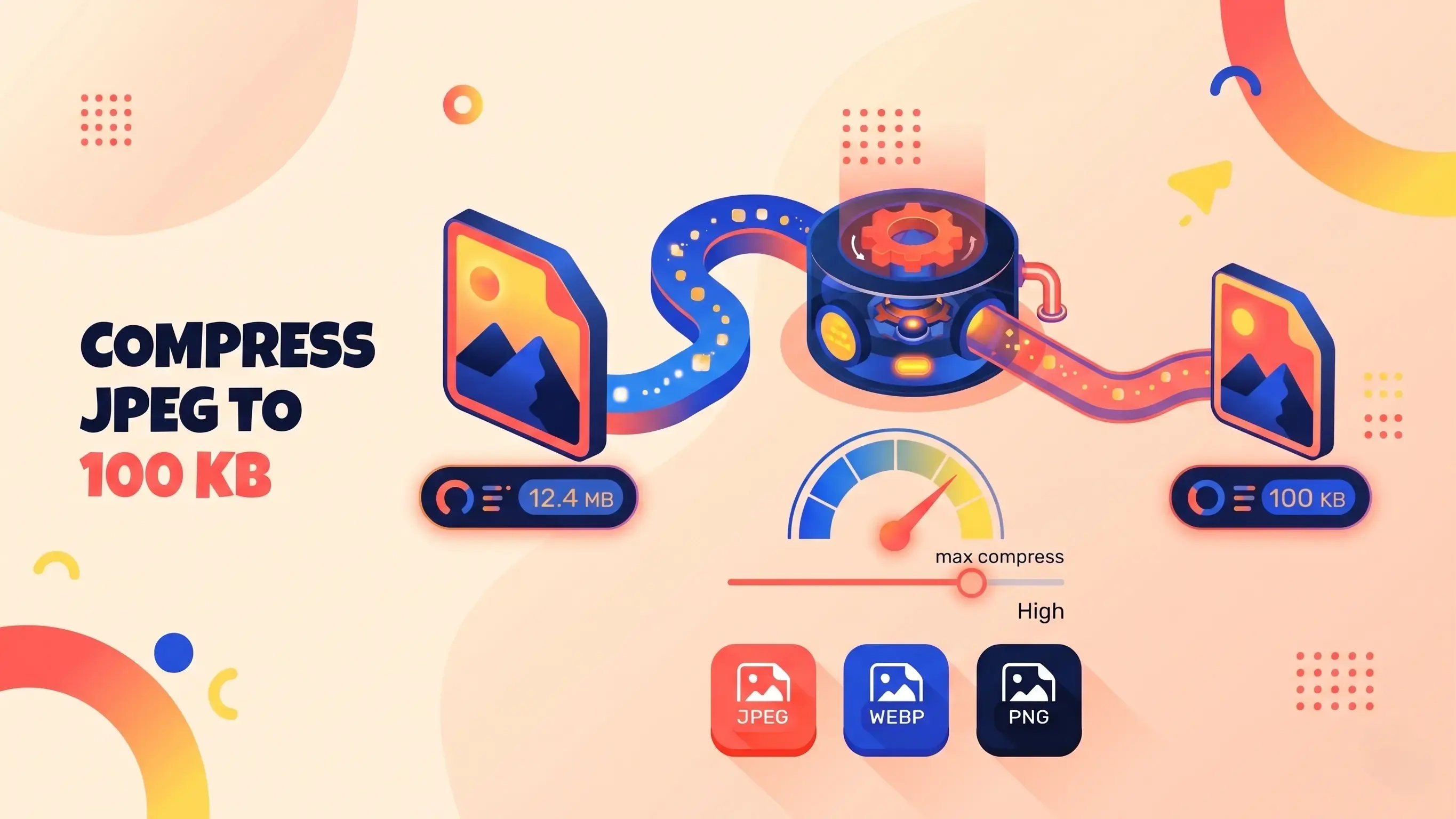
The 100KB threshold is widely considered by performance experts as the upper limit for "fast" web images, yet it provides a massive data budget compared to smaller targets. At 100KB, a standard high-definition web image (such as a 1920px wide hero banner or a detailed 1080px product shot) retains its crisp edges, vibrant color gradients, and subtle photographic textures. When you use PNGReducer to scale down a massive 5MB original file to just 100KB, you are eliminating invisible metadata, redundant color profiles, and microscopic pixel variations that the human eye cannot detect on standard displays. The result is an image that looks virtually identical to the original uncompressed file, yet loads in a fraction of a second.
How to Compress a JPEG to 100KB
- Add your images. Drag and drop up to 10 JPG, PNG or WebP files (30MB each) into the upload area above, or tap Select Images.
- Click Compress All. Each image is re-encoded locally in your browser to land as close to 100KB as possible.
- Download your files. Save images one by one, or download them all at once as compressed JPEGs.
When Do You Need to Reduce an Image to 100KB?
- Government and exam application forms that cap photo or signature uploads at 100KB.
- Job portals and visa or ID uploads with strict file size limits.
- Email and messaging where smaller attachments send faster.
- Websites and blogs that want fast-loading product and content images.
Technical SEO and Core Web Vitals at 100KB
From a Technical SEO and Core Web Vitals perspective, optimizing your heaviest assets to 100KB is a transformative strategy. Search engines like Google utilize metrics such as Largest Contentful Paint (LCP) to determine how quickly a page delivers its main content to the user. While a 30KB image will naturally load faster than a 100KB image, the difference on modern 4G, 5G, and broadband networks is negligible—often measured in just a few milliseconds. However, the visual improvement between a 30KB file and a 100KB file is monumental. By adopting the 100KB standard, you make it much easier to pass Core Web Vitals assessments, while still delivering the premium visual experience your visitors expect. Oversized images slow down loading, which can hurt page experience and rankings.
Advanced Browser-Based Edge Computing
What sets PNGReducer apart in achieving this specific optimization goal is its reliance on advanced, browser-based edge computing. Traditional image compression workflows involve uploading your sensitive client photos or proprietary assets to a remote, third-party server. This not only poses significant data privacy risks but also introduces frustrating latency as you wait for large files to transfer back and forth over your internet connection. PNGReducer completely bypasses this outdated model. By harnessing the power of HTML5 Canvas and modern JavaScript APIs, our tool performs the entire compression matrix locally within your web browser. Your images are never uploaded, ensuring absolute, 100% privacy. The processing happens instantaneously, leveraging your device's own CPU to execute the downscaling and re-encoding algorithms.
Smart Bypass Feature: If you upload a batch of images and one of your original files is already optimized below the 100KB limit, PNGReducer’s algorithm will automatically recognize this and skip the compression process for that specific file. This prevents unnecessary generation loss and preserves your already-optimized assets perfectly.
Format Conversion and Transparency Handling
When compressing files, it is also crucial to understand how different file formats respond to the process. PNGReducer seamlessly accepts JPEG, PNG, and WebP files. To achieve the dramatic file size reductions required to hit the 100KB mark, the tool intelligently normalizes your outputs to the JPEG format. JPEG is the most widely supported lossy format, designed to discard non-essential visual data. It is important to note that because the JPEG format does not support transparency (alpha channels), any transparent PNG or WebP files you upload will automatically be assigned a clean, standard white background during the conversion process. This necessary trade-off allows the file size to plummet without destroying the main subject of the image.
Need a different size? Try compress to 30KB, 200KB, 300KB or 500KB, or use the image size increaser if a form requires a minimum file size. In conclusion, optimizing your image library to 100KB is the ultimate best practice for creators, developers, and marketers who refuse to compromise on visual quality. It guarantees rapid load times, robust SEO performance, and a stunning user interface. Drag and drop your heavy files into PNGReducer today and experience the perfect harmony of pristine quality and unparalleled speed.