Compress JPEG to 30KB or Less
Drag & drop up to 10 images (max 30MB each). Reduce file size dramatically while keeping premium quality — right in your browser.
Drag & drop your images here
or tap to browse — up to 10 files, 30MB each
Selected Files 0/10
How Ultra-Lightweight Image Compression is Shaping the Modern Web
In the modern digital era, the internet is facing a severe weight problem. As web design trends shift toward immersive, full-screen visual experiences, the average size of a webpage has ballooned exponentially. While high-resolution photography and intricate digital graphics look stunning on a 4K desktop monitor, they often act as a massive anchor on website performance. Enter the 30KB threshold—a highly aggressive, yet entirely achievable standard for web imagery that is redefining how developers and digital marketers approach site speed. Achieving a 30KB file size for standard web images is no longer just a technical parlor trick; it is a fundamental necessity for surviving in a fiercely competitive online marketplace where every millisecond dictates whether a user stays on your page or bounces to a competitor.
How to Compress a JPEG to 30KB in 3 Steps
- Add your images. Drag and drop up to 10 JPG, PNG or WebP files (30MB each), or tap Select Images.
- Click Compress All. The tool finds the best quality that fits under 30KB. Nothing is uploaded.
- Download. Save each file individually, or use Download to save them all.
The Psychology of Site Speed and User Retention
Human attention spans have never been shorter, and our collective tolerance for digital friction is practically non-existent. When a visitor clicks a link to your website, a psychological timer begins ticking in the background. Google research has found that the chance of a mobile visitor bouncing rises by roughly a third as page load time grows from one second to three seconds. This phenomenon is directly tied to heavy, unoptimized visual assets blocking the rendering path.
By holding your JPEGs and WebP files to a strict 30KB diet, you eliminate the visual stutter that plagues so many modern websites. When an image is only 30KB, it requires a mere fraction of the network packets to travel from the hosting server to the user's browser. This translates to an instantaneous, fluid rendering experience. The user feels a sense of immediate gratification and frictionless navigation. E-commerce platforms, in particular, see massive spikes in conversion rates when their product catalogs load instantly. A buyer is far more likely to add an item to their cart when they can seamlessly swipe through a gallery of 30KB product images without waiting for each one to buffer sequentially.
SEO and Core Web Vitals: Winning the Google Algorithm
Site speed is not just about keeping human visitors happy; it is deeply intertwined with how search engines perceive and rank your website. Google’s Core Web Vitals framework treats page experience as a ranking signal. The most challenging metric for many webmasters to master is the Largest Contentful Paint (LCP), which measures the exact moment the largest visual element (usually a hero image or promotional banner) fully renders on the screen.
If your hero image is a 2MB behemoth, achieving a good LCP score on a typical mobile connection is very difficult. However, when you compress that exact same image down to a highly optimized 30KB footprint, it paints almost immediately. Faster pages tend to perform better in search, although speed is only one of many ranking signals. Furthermore, mobile-first indexing means Google evaluates your site based primarily on how it performs on a smartphone. A page populated with lightweight, 30KB images uses minimal cellular data, which keeps the page fast and affordable for visitors on slow or metered connections.
Breaking Down the Compression Science: How 30KB is Achievable
A common misconception is that reducing a high-quality image to 30KB will automatically turn it into a pixelated, unrecognizable mess. While this may have been true a decade ago, modern compression algorithms are incredibly sophisticated. Achieving this extreme file size reduction relies on an intelligent mix of lossy compression techniques, specifically targeting digital data that the human eye cannot easily perceive.
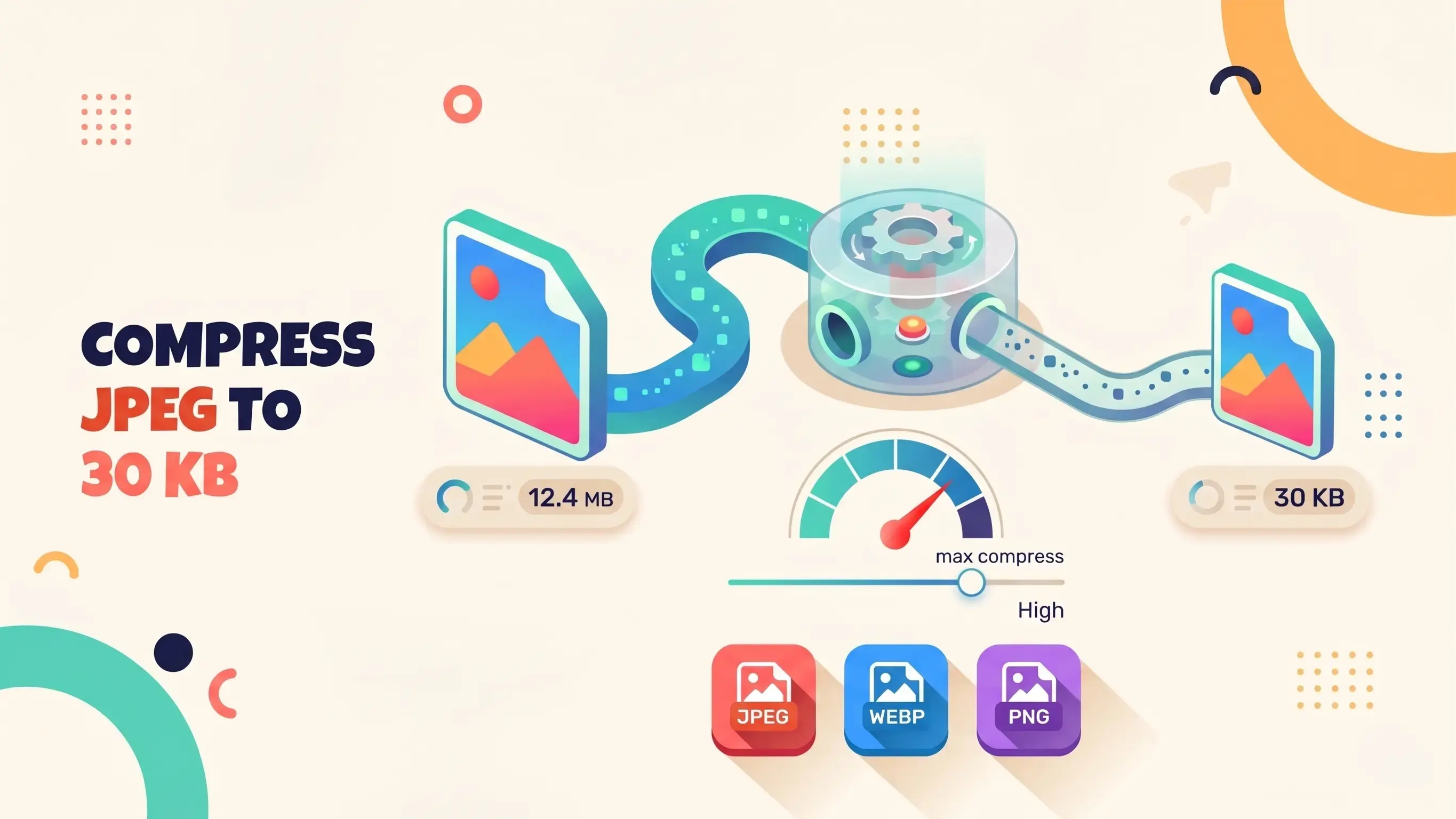
PNGReducer redraws your image on a canvas and re-encodes it as a JPEG, searching for the highest quality setting that still fits under 30KB. Re-encoding drops EXIF data, GPS coordinates and embedded colour profiles, which can add kilobytes of hidden weight. The JPEG format then does the heavy lifting: browser encoders typically use chroma subsampling, storing colour at a lower resolution than brightness because the human eye is far more sensitive to brightness, while quantization discards fine high-frequency detail such as subtle texture in a clear sky or deep shadow. If lowering quality alone cannot reach 30KB, the tool also reduces the pixel dimensions step by step until the file fits.
Client-Side Processing: The Privacy and Speed Paradigm
Traditionally, image compression required uploading your files to a remote, cloud-based server. This older method is slow, heavily reliant on your internet upload speed, and introduces massive privacy concerns. What happens to your proprietary business assets, unreleased product photos, or personal images once they sit on a third-party server?
Modern web utilities process files on your own device, fundamentally shifting the paradigm. By leveraging advanced HTML5 Canvas and modern JavaScript APIs, the entire compression process happens locally within your web browser’s memory. Your images never leave your computer. This not only guarantees absolute data privacy—a massive win for agencies handling strict NDA-protected client work—but it also means the compression happens at the speed of your device’s processor, not your internet connection. You can drag ten images into the browser and watch them instantly shrink to 30KB without a single byte ever being transmitted over the network.
Workflow Optimization Tip: You can proactively prepare your images to look their absolute best at 30KB. First, ensure you are resizing the physical dimensions (width and height) of the image to match exactly how it will be displayed on your site before compressing it. There is no need to compress a 4000-pixel wide image to 30KB if it will only ever be displayed in a 400-pixel sidebar box.
Where You Need 30KB Images
A 30KB limit is common on online forms: passport and visa photo uploads, exam application portals, job application sites, and government or university forms. It is just as useful for email signatures, thumbnails and fast-loading product galleries. Always check the portal's required pixel dimensions too: if exact dimensions are specified, resize the photo first, then compress it to 30KB.
Actionable Tips for Preparing Your Images for 30KB
While powerful algorithms do the heavy lifting, images with high contrast and a shallow depth of field (blurred, out-of-focus backgrounds) compress beautifully at lower bitrates, as the algorithm can aggressively compress the blurry areas while dedicating its data budget to keeping the main subject sharp. Furthermore, consider the native subject matter when preparing files. Solid colors and flat graphics often do better as SVGs or deeply compressed PNGs, while complex photographs and detailed gradients are the perfect candidates for JPEG or WebP compression targeting the 30KB limit.
In a digital ecosystem where every microsecond matters, you simply cannot afford to deliver bloated media to your audience. The transition to ultra-lightweight files ensures equitable access for users on slower mobile connections globally, expanding your total addressable market. Adopting a strict 30KB limit for your web images is a strategic move that pays massive dividends in technical SEO, user experience, and overall server performance. By leveraging modern, browser-based compression technology, you can achieve ultra-lightweight web pages without ever sacrificing the professional visual polish that your brand demands.
Popular Tools
More useful utilities to supercharge your workflow.