Compress JPEG to 300KB or Less
Drag & drop up to 10 images (max 30MB each). Maintain professional-grade, high-fidelity visual detail perfect for large displays and portfolios.
Drag & drop your images here
or tap to browse — up to 10 files, 30MB each
Selected Files 0/10
The Power of 300KB: Preserving Maximum Detail for Photography and E-Commerce
The internet is obsessed with microscopic file sizes, but sometimes visual quality simply cannot be compromised. For professional photographers, digital artists, and high-end e-commerce retailers, crushing an image to 50KB destroys the very details that sell the product. A 300KB target is the ultimate bridge between massive original files (which often range from 10MB to 30MB) and highly optimized web delivery. PNGReducer empowers you to hit this high-fidelity target effortlessly, ensuring your work looks pristine on any display.
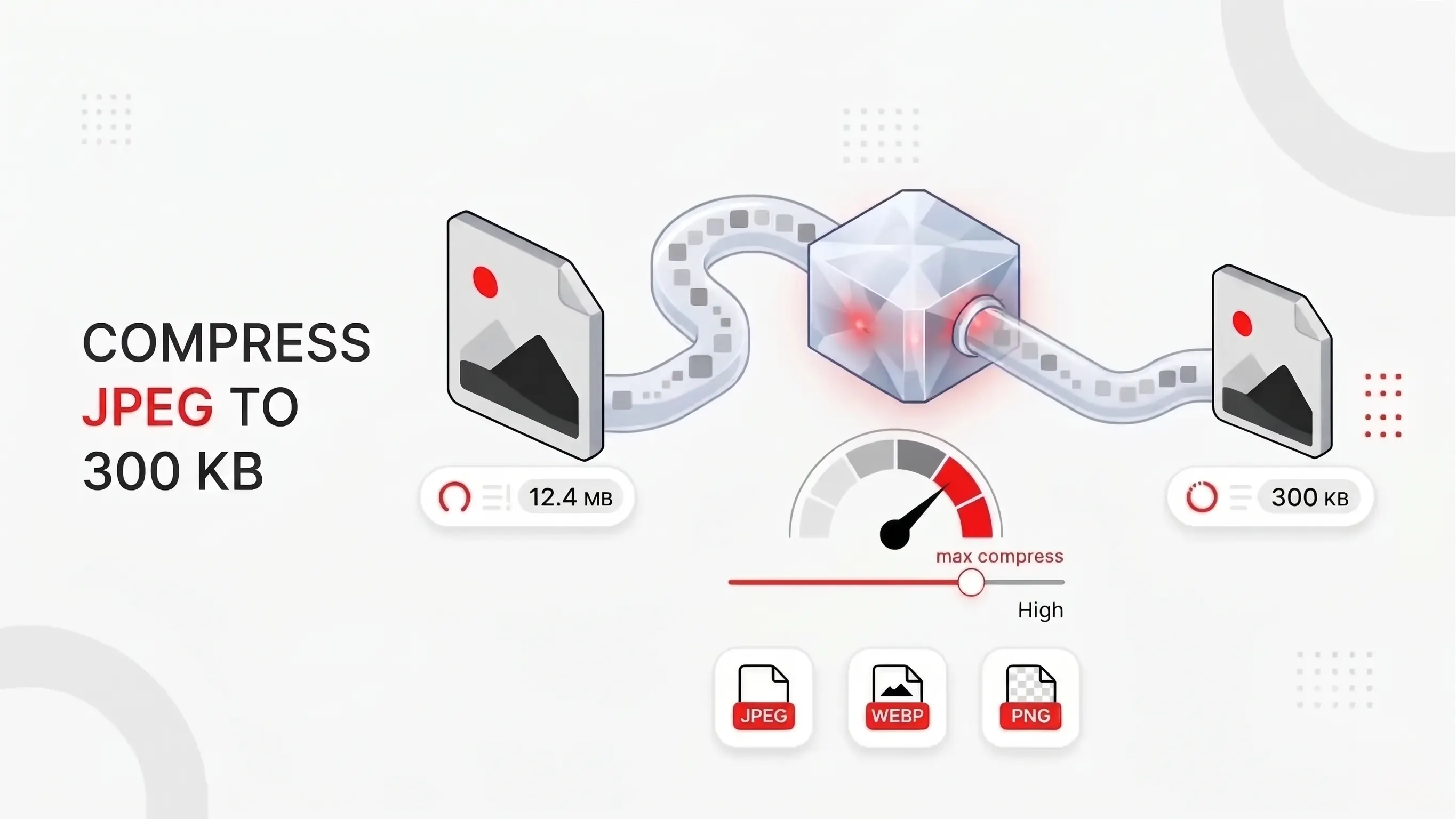
When is 300KB the Right Choice?
Not every web graphic needs to be 300KB, but for high-impact hero images on 4K displays, it is an absolute necessity. If you are managing an online gallery or portfolio, your visitors expect to see the sharpest, most accurate representation of your work. When customers use the zoom function on an apparel or luxury jewelry store, they want to clearly see the texture of the fabric or the pristine cut of a diamond. At 300KB, a JPEG file is given a large enough "data budget" to retain these crucial microscopic details without suffering from the blocky artifacting or color banding that heavily plagues aggressively compressed files. It is the gold standard for full-width background banners and detailed foreground subjects.
How to Compress a JPEG to 300KB
- Drag and drop your JPEG, PNG or WebP files into the upload box, or tap Select Images (up to 10 files, 30MB each).
- Click Compress All. Each image is adjusted in your browser to land close to the 300KB target.
- Check the before and after sizes shown next to each file.
- Download files one by one, or use Download to save them all.
Common Uses for a 300KB Image
A 300KB limit is common on online application and registration forms, job portals, and exam or document uploads, where files above a set size are rejected. It is also a practical size for e-commerce product photos, blog hero images, and email attachments that need to stay light without looking soft. If you need a smaller file, try one of the other size tools listed below.
The SEO and Performance Balance
You might wonder if a 300KB file is too large for Technical SEO and Google's Core Web Vitals. It depends on how you use it. A page packed with dozens of 300KB images will load slowly, but one or two 300KB hero images paired with much smaller thumbnails is a reasonable approach. The largest image on a page often determines its Largest Contentful Paint (LCP) time, so keep it near 300KB or below, serve it in a modern format, and set explicit width and height so the layout does not shift as it loads. Lazy-load images that sit below the fold, but not the main hero image.
Unmatched Privacy with Client-Side Processing
Professional photographers and creative agencies frequently handle sensitive, unreleased, or proprietary visual assets. Uploading these massive 30MB raw or high-res files to a random cloud server for compression represents a massive security risk, not to mention a frustrating bottleneck for productivity. PNGReducer completely eliminates this risk by utilizing advanced client-side processing technology. Leveraging the immense power of HTML5 Canvas and modern JavaScript APIs, the entire compression algorithm runs locally within your own web browser. Your visual assets never leave your computer's memory. This architecture not only guarantees absolute 100% privacy but also allows for instantaneous processing, completely independent of your network upload speed.
Smart Adaptation for PNG and WebP: Dealing with diverse file formats can be a headache for webmasters. PNGReducer simplifies this workflow by accepting JPEG, PNG, and WebP files, and standardizing the output to the highly efficient JPEG format. Because the JPEG format inherently does not support transparency (alpha channels), PNGReducer automatically assigns a clean, professional white background to any transparent elements during the conversion. This makes it an ideal tool for standardizing product photography against solid backgrounds.
Intelligent Batch Processing Workflow
Efficiency is key for digital professionals managing large media libraries. PNGReducer allows you to drag and drop up to 10 images simultaneously, each up to a massive 30MB in size. Our smart algorithm dynamically analyzes each individual file as it processes. If you happen to upload an image that is already perfectly optimized and sits below the 300KB threshold, the system will intelligently bypass the compression phase for that specific file, ensuring you never suffer unnecessary generation loss. Start optimizing your high-fidelity gallery today and experience the perfect synthesis of breathtaking visual quality and streamlined web performance.
Popular Image Compression Tools
More useful utilities to supercharge your workflow.