Compress JPEG to 500KB or Less
Drag & drop up to 10 images (max 30MB each). Your files are compressed right in your browser and never uploaded to a server.
Drag & drop your images here
or tap to browse — up to 10 files, 30MB each
Selected Files 0/10
How to Compress a JPEG to 500KB Online
Many upload forms, email clients and CMS platforms cap images at 500KB. PNGReducer shrinks JPEG, PNG and WebP files to fit under that limit without changing their width or height, and it does everything in your browser.
- Add your images. Drag and drop up to 10 files (30MB each), or tap Select Images.
- Click Compress All. The tool tests different JPEG quality levels and keeps the highest one that stays at or under 500KB.
- Download. Save files one by one, or use Download to get every compressed image.
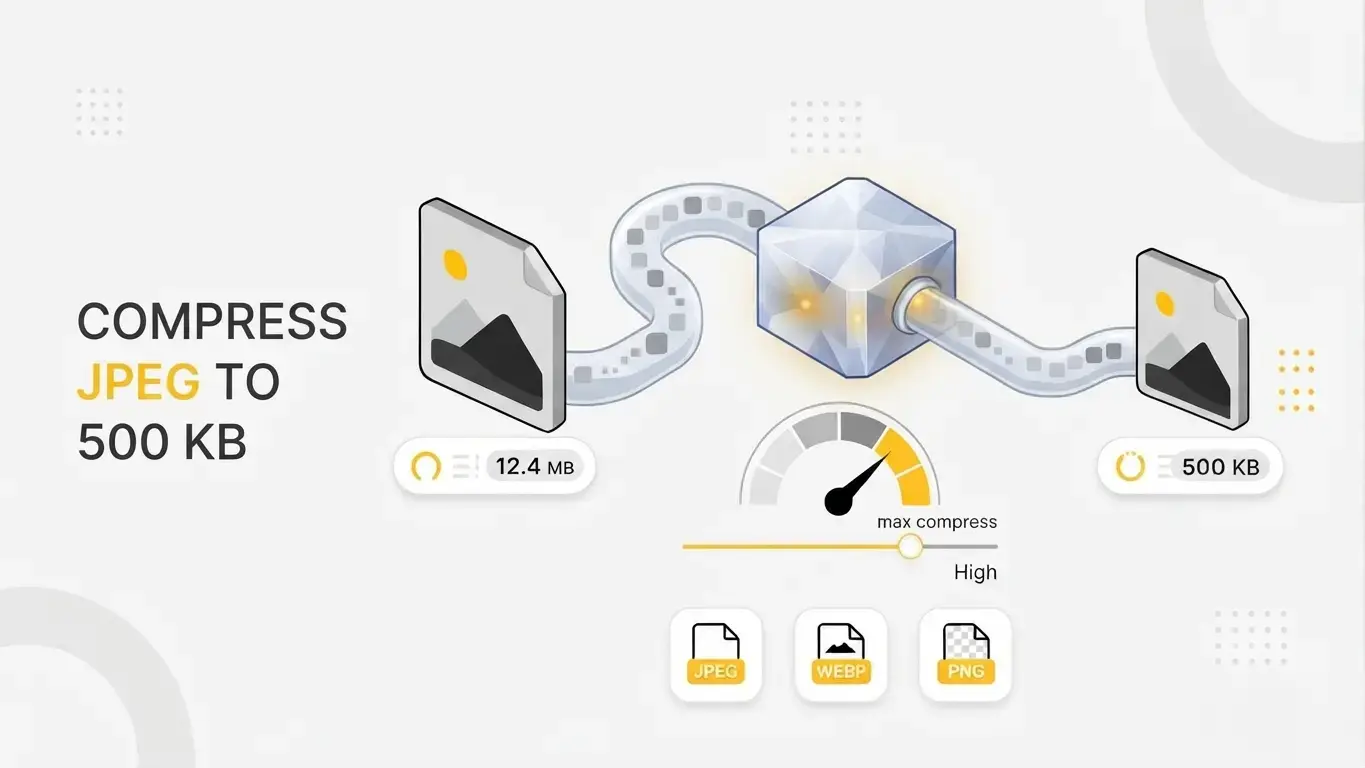
What affects the final file size?
JPEG is lossy: it discards fine detail and color information to save space. Photos with smooth gradients compress easily, while sharp, noisy or highly textured images need a lower quality setting to fit. If a very large or very detailed image cannot reach 500KB at the lowest quality, the tool returns the smallest result it can produce. In that case, resize the image to smaller dimensions first, then compress it.
Files that are already JPEGs under 500KB are returned unchanged, so you never lose quality for nothing. PNG and WebP files are converted to JPEG.
Is 500KB the right target?
500KB suits portfolio galleries, product photos, government and job-portal uploads, and email attachments, where visible detail matters and the limit is fixed. For fast-loading web pages, especially hero images that affect Largest Contentful Paint, smaller files (often 100–200KB, plus modern formats like WebP or AVIF and proper sizing) are usually the better choice. Use our 300KB or 100KB compressors for those cases.
Private, in-browser processing
PNGReducer uses the HTML5 Canvas API to re-encode images locally. Your files are not sent to a server, so unreleased or sensitive images stay on your device.
Transparent PNGs: JPEG does not support transparency. If you upload a PNG or WebP with transparent areas, those areas are filled with a white background during conversion.
Popular Tools
More useful utilities to supercharge your workflow.