Compress JPEG to 200KB or Less
Shrink JPG, PNG and WebP photos to 200KB or less for exam forms, visa and passport uploads, job portals and websites. Drag & drop up to 10 images (max 30MB each).
Drag & drop your images here
or tap to browse — up to 10 files, 30MB each
Selected Files 0/10
How to Compress a JPEG to 200KB Online
Many exam application forms, government portals, visa systems and job sites reject uploads larger than 200KB. This free tool shrinks JPG, PNG and WebP images to 200KB or less directly in your browser, so your photos are never uploaded to a server and you don't need to sign up.
Steps to reduce an image to 200KB
- Add your images. Drag and drop up to 10 files (30MB each) or tap Select Images.
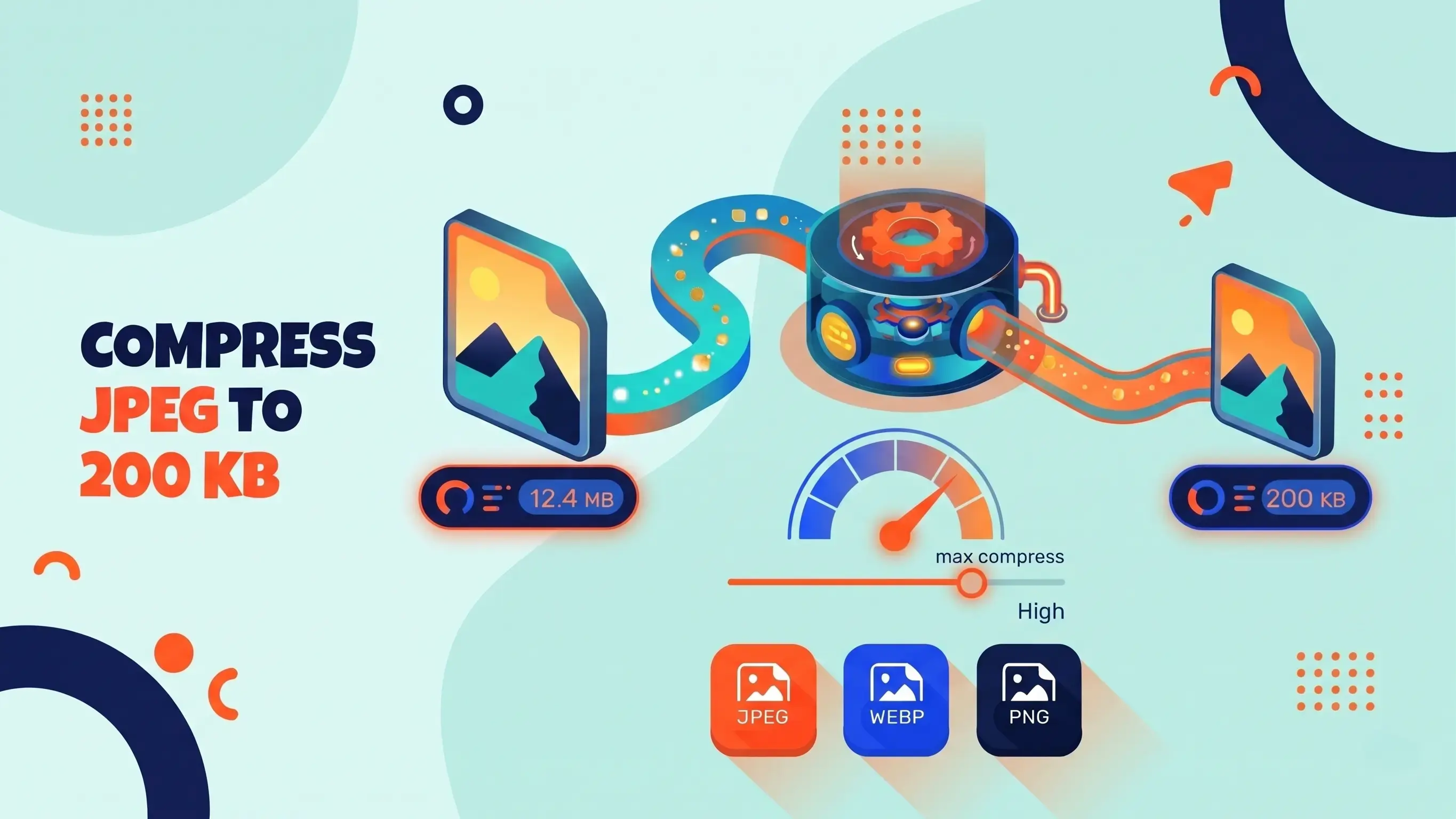
- Click Compress All. The tool tests different JPEG quality levels and keeps the best one that stays under 200KB.
- Download the result. Save each file or all of them, then check the size in your file manager before uploading.
When do you need a JPEG under 200KB?
A 200KB limit is common for passport and visa photo uploads, exam and admission forms, scholarship and KYC verification, job application portals, and email or CMS attachments. It also works well for website photos: a 200KB image is light enough for fast loading while keeping decent detail on most screens. If your portal has a different limit, try our tools for compressing images to 50KB, 100KB, 300KB or 500KB.
Will quality drop at 200KB?
It depends on the original. ID-style photos, signatures and typical web images usually look nearly identical. A large photo straight from a modern phone camera has far more detail than 200KB can hold, so you may see some softening when you zoom in. The tool always keeps your pixel dimensions first and lowers JPEG quality only as far as necessary. If an image is still over 200KB at the lowest quality, it is scaled down in small steps until it fits.
How the compression works
PNGReducer uses HTML5 Canvas in your own browser. It runs a quick binary search over JPEG quality levels, measures the real file size each time, and picks the highest quality that does not exceed 200KB. The limit is set to 200,000 bytes, so the result passes whether a website counts 1KB as 1,000 or 1,024 bytes.
Private by design: processing happens locally, so your photos and documents are never sent anywhere. JPEG files that are already under 200KB are kept unchanged, which avoids unnecessary quality loss.
PNG and WebP files: what happens to transparency?
The output is always a JPEG, and JPEG does not support transparency. Transparent areas in PNG or WebP files are filled with white. If you need to keep a transparent background, use a PNG-specific workflow instead.
More Image Size Tools
Need a different file size? Pick the one your upload form asks for.