Compress JPEG to 80KB or Less
Drag & drop up to 10 images (max 30MB each). Reduce file size dramatically while keeping premium quality — right in your browser.
Drag & drop your images here
or tap to browse — up to 10 files, 30MB each
Selected Files 0/10
How to Compress a JPEG to 80KB Online
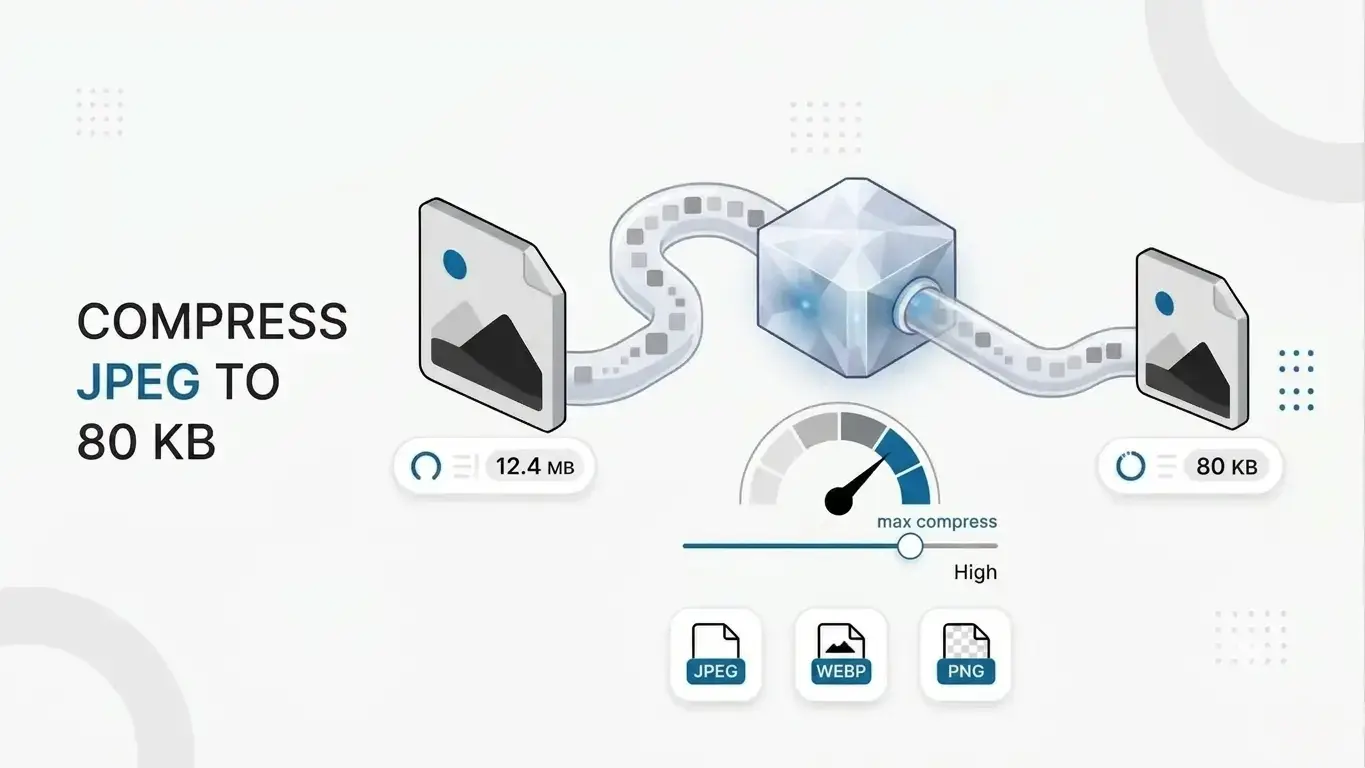
Need a photo under 80KB for an exam form, visa application or job portal? PNGReducer shrinks JPEG, PNG and WebP images to just under 80KB right in your browser. Nothing is uploaded, nothing is stored, and the whole process takes only a few seconds.
Steps to reduce a photo to 80KB
- Drag your images into the box at the top of this page, or tap Select Images. You can add up to 10 files at once, each up to 30MB.
- Press Compress All. The tool tests different quality levels until each file fits within 80KB.
- Check the new size shown beside each file. The badges show the size before and after compression.
- Download files one by one, or use the Download button to save them all.
When do you need an image under 80KB?
Small upload limits are common on online forms, and a size like 80KB comes up often for photos and signatures. You will typically run into it in situations like these:
- Photo and signature uploads on government, entrance-exam and scholarship forms
- Visa, passport and ID application portals
- Job application and resume portals with strict attachment limits
- Email and chat attachments that keep getting rejected or bouncing back
- Website images where you want pages to load quickly
How the 80KB target works
The tool re-encodes your image as a JPEG and tests many quality levels, searching for the highest quality that still fits under 80KB. That is why results usually land a little below the limit rather than exactly on it, and why a simple image compresses further than a detailed one.
Your original width and height are kept whenever possible. If a very large photo, such as a 12MP phone picture, cannot reach 80KB without looking blocky, it is scaled down in small steps until it fits. The new dimensions appear next to the file, so you always know what changed. Files that are already under 80KB are left untouched, so you never lose quality for nothing.
Tips for the best quality at 80KB
- Start from the original photo, not a screenshot or an already compressed copy. Compressing twice adds visible artifacts.
- Crop away unneeded background first. Fewer pixels means less data, so the remaining detail stays sharper.
- Plain backgrounds compress far better than busy ones, which helps with passport-style photos.
- Skip heavy filters and grain. They use up the size budget on detail nobody wants.
PNG and WebP with transparency
JPEG has no transparency, so transparent areas in PNG or WebP files are filled with white during conversion. This works well for photos and product shots on plain backgrounds, but it is not the right choice for logos that need a transparent background.
Is your privacy protected?
Yes. Compression runs locally using your browser's built-in image tools, so your files never leave your device. That makes it suitable for ID photos, signed documents and client images you would rather not send to a third-party server.
Why smaller images also help web pages
Lighter images load faster, and load speed is one of many inputs to Core Web Vitals such as Largest Contentful Paint. An 80KB budget is practical for in-content photos and product images. Large hero banners may need a little more, so judge each image by how it looks as well as by its size.
Tip: Always check the portal's own rules. Some require both a minimum and a maximum size, or exact pixel dimensions. This tool targets just under 80KB; it doesn't resize to exact dimensions. Need a different size? See the other tools below.
Popular Tools
More useful utilities to supercharge your workflow.